


Nissan Rogue Apple CarPlay Apps and Features
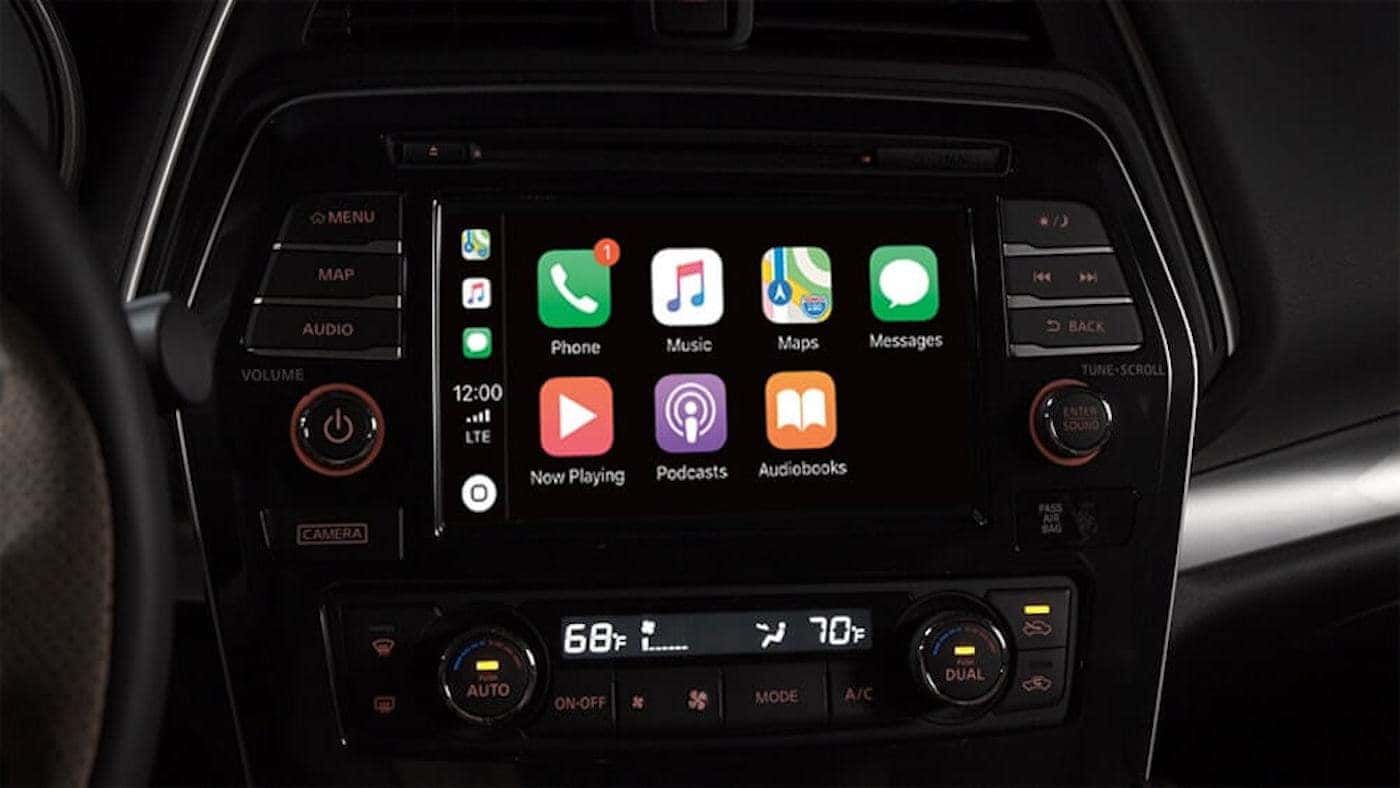
Apple CarPlay is available on a wide range of new Nissan models, and many owners of a new Nissan Rogue want to know how to connect to Apple CarPlay. Today, our team at Planet Nissan is here to help you learn more about your Nissan Rogue, Apple CarPlay, and more! Learn how to connect to Apple CarPlay in your Nissan Rogue, and contact us if you have any questions for the team at our Nissan dealership near Pahrump.
Apple CarPlay Features
Apple CarPlay is packed with apps and features that help keep you entertained, connected, and engaged without taking your focus off of driving. Key features of Nissan Rogue CarPlay include:
- Siri Voice Control
- Apple Calendar App to manage your daily schedule
- Apple Maps with immersive 3D images and detailed maps
- Apple Phone App to never miss an incoming call
- Apple Messages App to read, reply, and send messages
- Access to Your Apple Music Subscribed library for all your tunes
There are many benefits to having and utilizing this Nissan technology feature:
- Fewer distractions while on the Mesquite streets
- Effortless navigation
- Listen to your favorite music in high-quality
- Real-time reminders in your vehicle
- Hands-free texting
How To Connect Apple CarPlay
Connecting your Nissan Rogue is a simple process and only takes about a minute! Learn how to connect your Nissan Rogue to Apple CarPlay below:
- Using your iPhone, navigate to Settings > General, and enable CarPlay and Siri. Note that there isn’t a CarPlay app to download.
- Connect your iPhone via a lightning cable to USB 1.
- On your Nissan infotainment screen, you’ll receive a prompt asking if you want to connect to Apple CarPlay. Touch Don’t Show Again and then Yes. You’re done!
Now, every time you get in your Nissan Rogue, CarPlay will be ready to help you access your media and approved apps!
Nissan Rogue Android Auto Features
Similar to cars with Apple CarPlay, Android Auto offers a well-equipped tech suite to make driving easier. Below are a few features of Android Auto:
- Google Assistant
- Google Maps
- Hands-Free call & messaging
- Audio media apps
Schedule a Test Drive Planet Nissan Today!
Are you ready to learn more about how you can take advantage of Apple CarPlay in your Nissan Rogue? Our team is ready to help! Give us a call at (702) 302-4019 when you want to schedule a visit or to ask any questions you may have.